AI Thesis Revisions may be just the thing to get you through the next draft of your thesis! Revising a thesis is one of the most demanding stages of academic writing—but with the help of AI tools, it doesn’t have to be.
AI thesis revision tools like text-to-speech (TTS) technology can streamline the editing process, helping you catch overlooked errors, improve clarity, and refine your argument with greater efficiency. Instead of spending hours rereading your work, you can listen to your thesis using AI-powered voices that highlight awkward phrasing, clunky transitions, and confusing sections.
AI thesis revision tools do more than just save time—they enhance your understanding of complex content by combining auditory and visual processing. Whether you’re commuting, exercising, or doing chores, TTS apps allow you to review and revise your work from anywhere. This makes AI-driven thesis editing a game-changer for busy graduate students and researchers looking to produce high-quality academic writing with less stress.


Key Takeaways on AI Thesis Revisions:
- Spot Errors Easily: Listening to your thesis helps catch typos, grammar issues, and awkward phrasing that silent reading might miss.
- Improve Flow: Audio playback highlights weak transitions, clunky sentences, and disconnected ideas.
- Understand Complex Content: Hearing technical terms and dense sections makes them easier to grasp and review.
- Multitask While Revising: Use TTS to review your thesis while commuting, exercising, or doing chores.
- Leverage Advanced Features: Tools like adjustable playback speed, citation skipping, and note-taking streamline the revision process.
AI Thesis Revision is especially helpful for students with dyslexia or visual impairments, making thesis revisions more accessible. Whether you’re refining technical sections or checking overall coherence, TTS tools can make your work smoother and more efficient.
What Is AI Thesis Revision?
AI thesis revision refers to the use of artificial intelligence tools—like text-to-speech (TTS), grammar checkers, and smart editors—to review and improve academic writing. These tools help students and researchers catch errors, enhance clarity, and streamline the editing process by offering real-time feedback, audio playback, and advanced language support.
AI thesis revisions make it easier to polish complex sections, improve flow, and ensure your thesis meets high academic standards with less time and effort. Catching mistakes, reviewing text flow, technical content consumption, multitasking while reviewing, and using advanced features are just 5 ways TTS can aid in AI thesis revisions.
1. AI Thesis Revision Catches Mistakes Using Listening
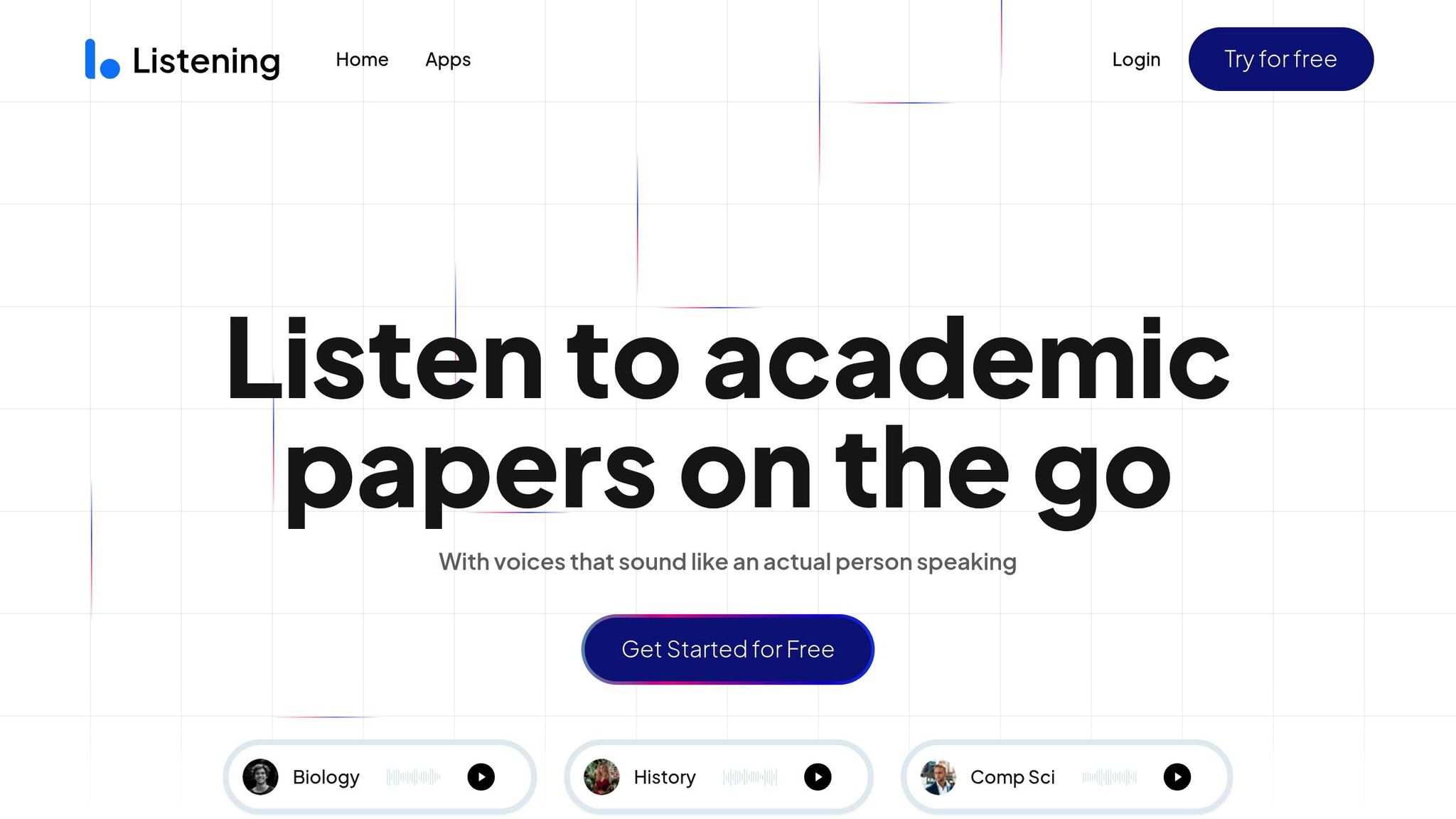
When using AI thesis revision tools, it’s easy to miss mistakes when you’re silently reading your work. Listening to your text read aloud activates a different part of your brain, helping you catch errors that might slip past during a visual review.
Hearing your writing can uncover awkward phrasing, misplaced modifiers, incorrect verb tenses, run-on sentences, or incomplete thoughts – things that might seem fine when just reading silently.
As Mary Ballard-Johansson explains:
“The reading voice is pleasant and understandable, even on the harder words. Having the text available to read along helps also.”
Using both sight and sound together makes your revision process more effective. Text-to-speech (TTS) tools are especially helpful for spotting common thesis issues like:
- Missing or repeated words: For example, “The participants were asked complete the survey” becomes obvious when heard aloud.
- Homophone errors: Catch mix-ups like “their/there” or “affect/effect.”
- Punctuation mistakes: Listening helps identify run-on sentences or misplaced commas.
- Clunky transitions: Abrupt shifts between ideas stand out when spoken.
Play your text at a steady pace and follow along. Pay close attention to technical terms and complex sentences, as these are often where mistakes hide.
To avoid feeling overwhelmed, break your thesis into smaller sections. This also makes it easier to focus on the flow and rhythm of your writing.
2. AI Thesis Revision Checks Text Flow and Connection
Using text-to-speech technology can highlight flow issues that might slip by during silent reading. Hearing your thesis read aloud makes awkward transitions and disconnected ideas stand out.
Sentence Structure Review Hearing your sentences can reveal when they are too complex or unclear, even if they seem fine on paper. Look for sentences that need to be simplified or restructured for better clarity.
Paragraph Transitions Listening can uncover weak transitions between paragraphs. Pay close attention to how ideas connect and whether your argument moves logically from one point to the next.
Section Coherence An audio review can help ensure consistency across sections. For example, listen to your introduction, then your conclusion – do they align in tone and message? Also, check if your methodology smoothly leads into your discussion of results.
Here’s an effective way to check flow and connections:
- Play the text at a natural speed
- Note any disruptions or awkward phrasing
- Examine whether transitional phrases like “however,” “furthermore,” and “consequently” effectively link ideas
- Compare the opening and closing paragraphs of each major section to confirm logical connections
These steps help ensure your thesis flows smoothly and maintains coherence throughout.
For technical sections, pay extra attention to how complex terms and ideas are introduced. Listening can highlight where the explanation might be unclear or where additional context is needed to improve the overall flow of your writing.
3. AI Thesis Revision Helps You Understand Technical Content
Thesis technical sections often include specialized terms and complex ideas. Turning these into audio can make them easier to grasp and remember.
Combining reading with listening activates multiple senses, making it easier to break down tough concepts.
Modern text-to-speech tools are great at handling academic jargon. As Samantha Lumby shares:
“Absolutely brilliant, haven’t been able to find an app that can say scientific words properly until now.”
This precise handling of terminology naturally leads to a clearer understanding of dense material. Listening while reading not only clarifies tricky terms but also helps reduce mental strain. Meloman F highlights this benefit:
“Perfect for converting large texts into audio. And when they added support for parallel reading along with the audio – I was blown away! It expedited comprehension and reduced fatigue.”
Using audio tools can make technical reviews more efficient and focused.
Tips for Reviewing Technical Content
- Active Listening: Tackle one technical section at a time while following along with the text.
- Adjust Speed: Slow down playback for detailed or dense parts.
- Repeat Sections: Replay challenging sections to reinforce understanding.
- Take Notes: Write down key points or questions as you listen.
For students with learning challenges, like dyslexia, audio formats can make complex material easier to process. Adding these audio strategies to your review routine can help make technical content in your thesis clearer and more approachable.
4. AI Thesis Revisions While Doing Other Tasks
Text-to-speech (TTS) isn’t just helpful for clarifying tricky details – it also lets you revise your thesis while going about your daily routine. It’s a great way to fit productive multitasking into your day, freeing you from being tied to your desk. Graduate students, like Mandy Eversole, find this feature incredibly helpful:
“LOVE this! I’m a grad student full-time who also works full-time and drives long distances. This is a LIFESAVER!”
Ways to Multitask with TTS
TTS makes it easy to review your thesis during activities like:
- Commuting: Whether you’re driving or using public transit
- Exercising: Walking, jogging, or hitting the gym
- Household chores: Cooking, cleaning, or tidying up
Tips for Effective Multitasking
To get the most out of your multitasking sessions, try these strategies:
- Pair listening with activities that don’t require much focus
- Adjust playback speed to match the complexity of the content
- Focus on specific sections of your thesis as needed
- Skip citations for smoother listening
This approach not only helps you stay productive but also builds on earlier benefits like spotting errors and improving text flow. As Brea T. notes:
“This app legit turns anything into a podcast you can listen to in seconds. I can finally listen to all the newsletters and essays I’m subscribed to without spending hours in my email inbox! In particular, I appreciate using this app for long walks, chores around the house, and exercise.”
You can even control playback speed (from 0.5x to 4x) to match your activity and focus level.
5. Optimize For AI Thesis Revision Advanced Features
Listening offers specialized tools that make revising your thesis easier and more efficient. Let’s explore some of its standout features.
Human-Like Voice Synthesis
Listening uses AI voices that sound natural, reducing fatigue during long revision sessions. As Tim Osterbuhr puts it:
“Great way to listen to papers during my commute. Finally, a voice that doesn’t sound like a robot.”
These voices make it easier to stay focused on dense academic material, helping you spot subtle errors in your writing.
Smart Citation Handling
One of the most useful features is its ability to skip over citations and footnotes automatically. This keeps your focus on the main arguments without unnecessary interruptions. Joseph Waters shares his experience:
“I tried a lot of text-to-speech apps before finding Listening. From the purpose of reading academic books or papers it takes the top spot. It reliably skips footnotes and other content I do not want read out, and this cannot be said for other apps. I’m impressed.”
Section-Based Navigation
With section-specific playback, you can zero in on the parts of your thesis that need extra work. Whether it’s the abstract, methodology, or discussion, jumping between sections is simple and efficient.
Speed Control and Note-Taking
You can adjust playback speed from 0.5x to 4x to fit the complexity of the material. Plus, the one-click note-taking feature lets you quickly capture ideas or mark important points as you listen. Róisín Hennessy highlights this functionality:
“My favorite part is that you can turn off citations so the text reads smoothly, and you can easily skip unimportant information. The note feature is an added bonus too. This app was clearly created by people who care!”
Conclusion- AI Thesis Revision For The WIN
AI thesis revision tools—like advanced text-to-speech (TTS) technology—offer a smarter, more efficient way to edit your academic work. By converting your writing into natural-sounding audio, these tools help you catch small errors, improve sentence flow, and better understand complex sections—all while saving time and reducing mental fatigue.
Whether you’re revising during your commute, workout, or daily routine, AI-powered TTS keeps you productive and focused. With features like citation skipping, speed control, and seamless navigation, AI thesis revision becomes not only more accessible, but also more effective. For students and researchers aiming to polish their work to a high standard, these tools are an essential part of a modern, efficient editing process.
Its advanced tools are especially useful for academic reviews. As Read E highlights:
“Great app! Helpful for academics. I’ve been using this app to listen to scholarly articles, and it’s great. Works as promised: good at skipping content that doesn’t need to be read aloud; good at translating niche terms into audio. Highly recommend for anyone who has to read a lot of academic content.”
FAQ
How can AI help with thesis revisions?
AI tools like text-to-speech (TTS) can read your thesis aloud, helping you identify grammar mistakes, awkward phrasing, and unclear transitions. They engage both auditory and visual senses to make the revision process faster and more accurate.
What is the best AI tool for revising a thesis?
The best AI tools for thesis revision include those with features like human-like voices, citation skipping, adjustable playback speed, and note-taking. Tools such as Listening.com, NaturalReader, and Speechify are popular among students and researchers.
Can text-to-speech improve the flow of my thesis?
Yes. Listening to your thesis using TTS helps you hear when sentences are too long, transitions are abrupt, or ideas don’t connect smoothly. This auditory review highlights flow issues that silent reading may miss.
Is AI text-to-speech useful for technical or scientific writing?
Absolutely. Advanced TTS apps are designed to handle scientific terminology and complex language, making them ideal for reviewing technical sections in theses and dissertations.
Can I revise my thesis while multitasking with AI tools?
Yes. AI-powered TTS lets you review your thesis while commuting, exercising, or doing chores. It’s a great way to stay productive and make progress without being tied to your desk.
Are AI thesis revision tools accessible for students with learning differences?
Many students with dyslexia, ADHD, or visual impairments find TTS tools incredibly helpful. Listening to text can reduce cognitive overload and make academic content more accessible and easier to process.
How often should I use TTS during my thesis editing process?
You can use TTS during every stage of revision—from the first full draft to the final proofread. It’s especially effective as a final check before submission to ensure clarity, accuracy, and flow.