Google Text To Speech Software

Paste text to try Google text to speech software with a natural AI voice. This page is tuned for finding a browser-based alternative for natural read-aloud audio, so the sample workflow is quick without hiding the full Listening app.
Google Text To Speech Software for people searching for familiar web TTS options

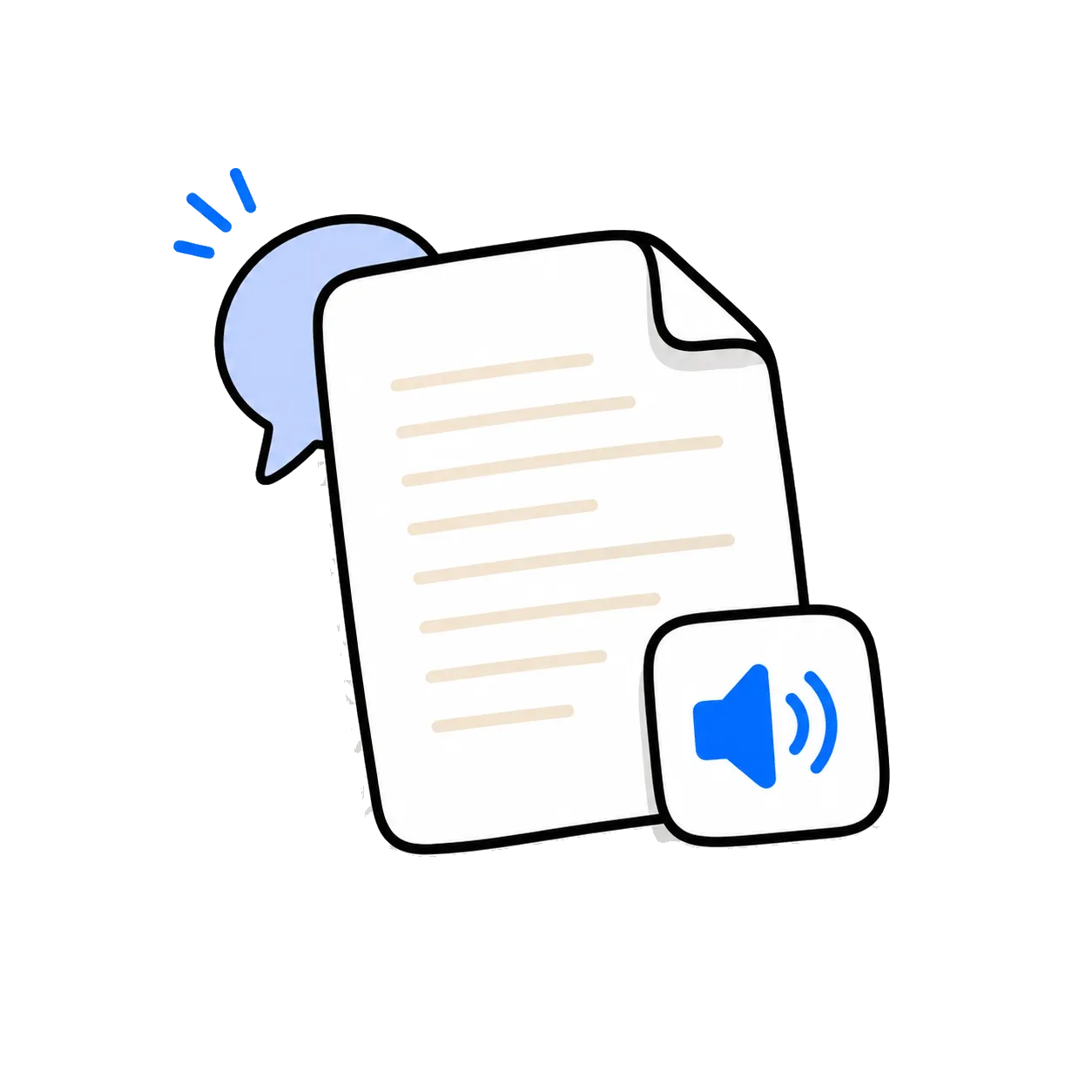
Google Text To Speech Software pages should do more than speak a sentence. Listening turns pasted text into a read-along experience with natural voices, speed control, and a temporary link you can revisit later. That matters for people searching for familiar web TTS options, where the goal is not novelty but a practical way to keep reading moving.

This page is written around finding a browser-based alternative for natural read-aloud audio. Instead of sending you straight to an account screen, it puts the converter first so you can test voice quality, pacing, and readability before deciding whether the full app fits your workflow.

Profile 1
Profile 2
Profile 3
Profile 4
Profile 5
Profile 6

Students report better comprehension with audio, saying it helps them grasp concepts rather than just memorize facts.

Use cases

Even more ways to use Listening

Explore focused landing pages for PDFs, articles, research papers, mobile read aloud, study workflows, and accessibility.